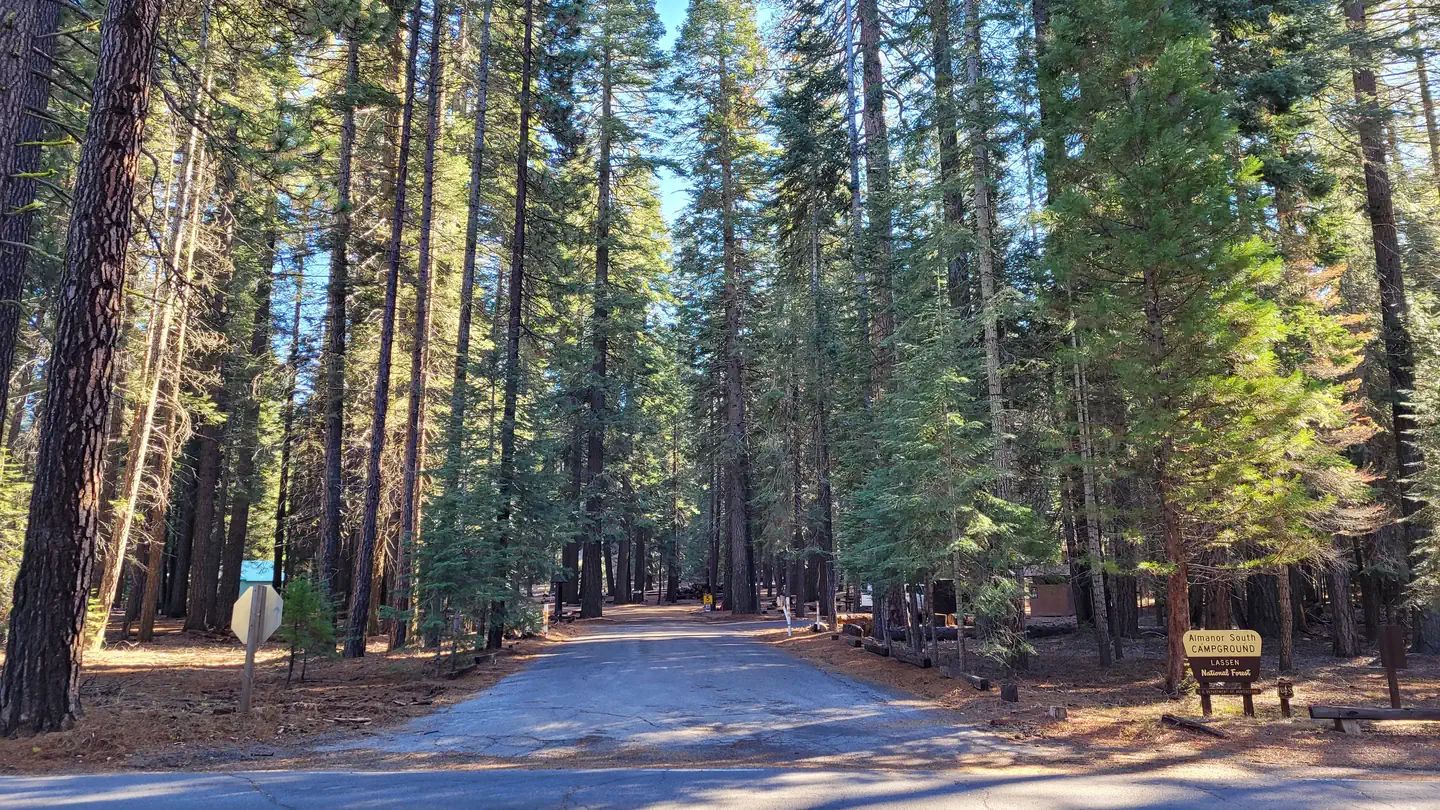
Sold-out national park campgrounds reopen constantly as other campers cancel, so a sold-out badge doesn't mean the trip is off. The best last-minute strategy combines watching the final 48-72 hours before arrival, staying flexible on dates and campgrounds, and either manually refreshing Recreation.gov or using an automated alert so you're notified the moment a site opens.
You refresh Recreation.gov for the fourth time in an hour and the calendar for your target loop is still solid red. Every night for your national park trip shows "Not Available." Then, on a random Tuesday afternoon two weeks before your dates, a single site flickers open for ninety seconds before someone else grabs it. If you've ever watched a sold-out national park campground and then watched sites trickle back onto the calendar one by one, you already know the real secret: sold-out doesn't mean gone. It means you're now playing a different game — one with its own timing, tools, and rules. This guide breaks down how that game actually works and how to give yourself a real shot at winning it.
Why National Park Campgrounds Sell Out in Minutes, Not Days
Most national park campgrounds on Recreation.gov use a rolling reservation window, commonly six months out from the arrival date. When that window opens at the release time, thousands of campers targeting the same weekend are all hitting refresh on the same handful of loops. A campground with a few dozen sites can be fully booked in the time it takes to fill out a payment form.
This isn't unique to one park. Popular units see this pattern every season, and demand has only grown as more people camp closer to home and RV ownership has climbed. Reservation policies differ by park unit, so it's worth checking the individual park's page on the National Park Service site before you plan around a specific release date, since some campgrounds use lottery systems instead of a straight first-come booking window.
The practical result: if you didn't book the exact minute a campground opened, you're now hunting for what campers call "churn" — sites that open back up because someone else cancels, modifies, or fails to pay. That's a completely different skill than booking early, and it's one most campers never learn until they're staring at a sold-out calendar two weeks before a trip.
How Recreation.gov Cancellations Actually Create Openings
Every sold-out calendar is more fragile than it looks. Campers cancel because plans change, a permit falls through, work schedules shift, or they booked several overlapping dates as a backup and release the ones they don't need. Recreation.gov processes these cancellations continuously, not in a single batch, which means a site marked reserved at 9:00 a.m. can show as available again by 9:05.
Because a cancellation fee typically applies, most campers don't cancel the moment they realize they can't make the trip — they wait, sometimes until close to the balance-due or arrival date, to avoid losing extra money or to see if their plans firm back up. That waiting pattern is exactly why the cancellation window matters so much for anyone hunting a sold-out site.
If you're new to how the reservation system is structured, it helps to understand the mechanics before you start hunting for openings — our field guide to how Recreation.gov reservations work walks through booking windows, holds, and how the system releases inventory. Once you understand that a "sold out" badge just reflects the current snapshot and not a locked door, you can start treating the calendar as something that changes by the hour rather than something fixed.
The Cancellation Window Nobody Times Correctly
Cancellations don't drop evenly across the calendar. Campers who booked far in advance and then decide not to go tend to cancel closer to their trip, once plans are locked in one direction or another — which means the days right before arrival often see more churn than the weeks right after a campground first sold out. That's why serious searchers focus heavily on the final 48 to 72 hours before a check-in date, in addition to keeping an eye on the whole window.
There's also a second spike worth watching: the point when Recreation.gov's own cancellation deadline passes. Around that cutoff, campers who were on the fence make a final decision, and a batch of sites can open at once. The exact deadline varies by campground, so check the specific listing rather than assuming a universal number.
If you want a deeper breakdown of how this window behaves and how to plan a search around it, we've mapped it out in our guide to the Recreation.gov cancellation window. The short version: don't just check once when a campground sells out and give up. Build a repeatable check-in habit around the days closest to arrival, since that's where the odds tilt most in your favor.
The Manual Refresh Method: Free, but It'll Eat Your Evenings
Before any tool existed to do this automatically, campers did it the hard way: bookmark the campground page, refresh on a schedule, and hope to be the one clicking "Book Now" in the handful of seconds before someone else does. It still works. It's just a grind.
A realistic manual routine looks like this:
The catch is obvious: you can't refresh a page every 15 minutes for two days while you're at work, asleep, or living your life. Most people who try the manual method for a genuinely sold-out summer weekend at a popular park burn hours of screen time and still come away empty-handed, not because the strategy is wrong, but because a human can't watch a calendar around the clock the way an automated check can.
Automating the Hunt With Campsite Alerts
This is where most experienced campers eventually land: instead of personally refreshing a page dozens of times a day, they set up an automated check that watches the calendar for them and sends a notification the moment a site opens. The advantage isn't magic — it's speed and consistency. A check that runs far more often than any person could realistically manage gives you earlier notice, which means you're racing fewer people to the booking page instead of arriving after it's already gone again.
An alert service doesn't guarantee you'll get the site — you're still competing with everyone else who gets that same notification, and popular loops can refill in seconds. What it does is put you in the race at all, instead of finding out about an opening after the fact because you happened to check the calendar an hour too late.
If you've been manually watching a cancellation window and want to see how an automated approach compares, our breakdown of the cancellation-window technique that actually works covers both the manual and automated sides of the strategy. From there, GetParkAlerts can handle the round-the-clock checking on the campgrounds and dates you care about, so you find out the moment something opens instead of the moment it's already booked again.
First-Come, First-Served Sites: Your Backup Plan
Not every national park campground runs on the reservation system. Many parks keep a portion of sites, or entire smaller campgrounds, as first-come, first-served — no online booking, no cancellation window to chase, just showing up and claiming an open spot. These sites are worth knowing about even if they're not your first choice, because they're a real fallback when the reservable loops are fully booked.
The trade-off is obvious: you have to be physically present, often early in the day, and there's no guarantee. Popular first-come campgrounds near major park entrances can fill by mid-morning during peak season. But midweek, in shoulder months, or at less-visited campgrounds, your odds go up considerably.
A few practical tips for working first-come sites into your plan:
Using Recreation.gov's Queue System During High-Demand Releases
When a wildly popular campground opens its booking window, or when a large batch of cancellations releases at once, Recreation.gov can place you in a virtual queue rather than letting everyone hit the booking page simultaneously. Understanding how that queue works matters just as much as knowing when to show up.
Getting into the queue early doesn't guarantee a low position, but showing up late guarantees a bad one. Log in ahead of time, have your payment information saved, and know exactly which site and dates you want before the queue releases you to the booking page — indecision costs you seconds you don't have once you're through.
The queue system also applies in smaller ways any time a high-demand cancellation window is active, not just on major release days. If you're chasing sites during a known high-traffic period, like a holiday weekend cancellation deadline, treat it the same way you'd treat a major release: be logged in, be ready, and know your target before the window opens. We go step-by-step through how to navigate this in our guide to using Recreation.gov's queue system. Skipping this prep is one of the most common reasons campers lose a site they were technically watching at the right time.
Timing Mistakes That Cost Campers a Site
After watching how this plays out season after season, a few mistakes show up again and again. The biggest one is checking once, seeing "not available," and giving up. A sold-out badge on day one of your search tells you almost nothing about what the calendar will look like the week before your trip.
The second mistake is only watching your exact dates. If your trip has any flexibility — arriving a day earlier, staying a night less, shifting the whole trip by a weekend — you dramatically widen the number of cancellations that could work for you. A rigid three-night search on one specific weekend is the hardest possible version of this game.
The third mistake is only watching one campground. Most national parks have multiple campgrounds, and demand isn't evenly distributed — the campground with the best view sells out first and gets watched by the most people, while a quieter loop nearby might have real openings.
Finally, don't assume you're guaranteed anything just because you're watching closely or using an alert. Chasing a cancellation is a race against other campers doing the same thing, not a reservation held in your name. Go in expecting to compete for the win, not expecting a lock, and you'll make sharper, faster decisions when a site actually appears.
Building a Flexible Trip Plan That Widens Your Odds
The campers who consistently land sold-out sites usually aren't the ones with the best luck — they're the ones who built flexibility into the trip from the start. That means holding a primary date range but also identifying a backup week, a backup campground, and a backup site type before the search even begins.
A few ways to build that flexibility in:
If you're planning far enough out that you can build this flexibility in from day one, it's worth reading our guide on planning a national park camping trip six months in advance, which covers how to structure your search calendar before you're in sold-out-recovery mode at all. Flexibility built in early is far less stressful than flexibility forced on you two weeks before a trip.
Your Action Plan for a Sold-Out National Park Trip
If your target campground is already showing sold out, here's the order of operations that actually works. First, confirm your real date flexibility — even a one- or two-night shift changes your odds substantially. Second, identify every campground and loop within a reasonable drive of what you actually want to do, not just the first one you found. Third, decide whether you're going to run a manual refresh routine or let an automated check handle it, and be honest with yourself about how many hours a day you can realistically spend refreshing a browser tab.
Then get into position. Have your Recreation.gov account logged in, payment saved, and target sites written down so you're not making decisions in the ten seconds you have when a site appears. Watch the final 48 to 72 hours before arrival especially closely, since that's when the most churn happens.
If refreshing a calendar by hand isn't realistic with your schedule, that's exactly the gap GetParkAlerts is built to close — automated checks on the campgrounds and dates you're targeting, with a notification the moment something opens, so you can show up to the race instead of missing it entirely. Visit GetParkAlerts pricing to see which plan fits the trip you're trying to save.
Key takeaways
- Cancellations trickle onto Recreation.gov continuously, so a sold-out calendar today can show real openings by tomorrow.
- The 48-72 hours before arrival typically see the most cancellations, since that's when unsure campers make a final call.
- Flexible dates and multiple target campgrounds dramatically increase your odds compared to watching one fixed weekend.
- Manual refreshing works but is time-intensive; automated alerts check the calendar far more often than a person realistically can.
- First-come, first-served campgrounds are a legitimate backup when reservable sites stay full.
- Winning a cancellation is a race against other campers watching the same calendar — no method guarantees a booking.
Frequently asked questions
Can you really get a campsite after it shows sold out on Recreation.gov?
Yes. Cancellations happen continuously as campers change plans, so campgrounds that show sold out often have sites reopen in the days and hours before arrival. Watching the calendar closely, especially in the final 48-72 hours before your target date, gives you a real shot at catching one.
When do most campground cancellations happen?
Cancellations tend to cluster close to the arrival date, once campers who were unsure about their plans finally decide not to go. The days right before a cancellation fee deadline or the check-in date itself are usually the most active windows to watch.
Is it better to refresh Recreation.gov manually or use an alert service?
Manual refreshing is free and works, but it requires checking constantly, including at odd hours, which most people can't sustain for days. An automated alert service checks far more frequently and notifies you the moment a site opens, so you spend less time watching and more time ready to book.
What are first-come, first-served campsites and can they help with a sold-out trip?
These are sites without online reservations — you claim them in person, usually early in the day. They're a solid backup when reservable campgrounds are full, though popular ones can fill by mid-morning in peak season, so check current conditions with the park directly.
Does booking with an alert service guarantee a campsite?
No service can guarantee a booking. You're still competing against other campers who see the same opening, so an alert simply puts you in the race with a faster notification instead of finding out about a cancellation after it's already been rebooked.
How far in advance do national park campgrounds usually open for booking?
Many national park campgrounds on Recreation.gov use a rolling window, commonly around six months before the arrival date, though this varies by park and campground. Check the specific campground's page for its exact booking window and any lottery requirements.
Stop refreshing Recreation sites
GetParkAlerts watches sold-out campgrounds and tells you the moment a site opens.
Get alerts — $9.99/mo →